News
LibreOffice 26.2.7 Is Out — and 26.2 Support Ends 30 November
LibreOffice 26.2.7 is the last update for the 26.2 line — support ends 30 November 2026. What's fixed, who should upgrade, and how to lock your documents as PDF.
Practical guides for getting more out of your PDFs — every technique uses our free tools, right in your browser.
How-To
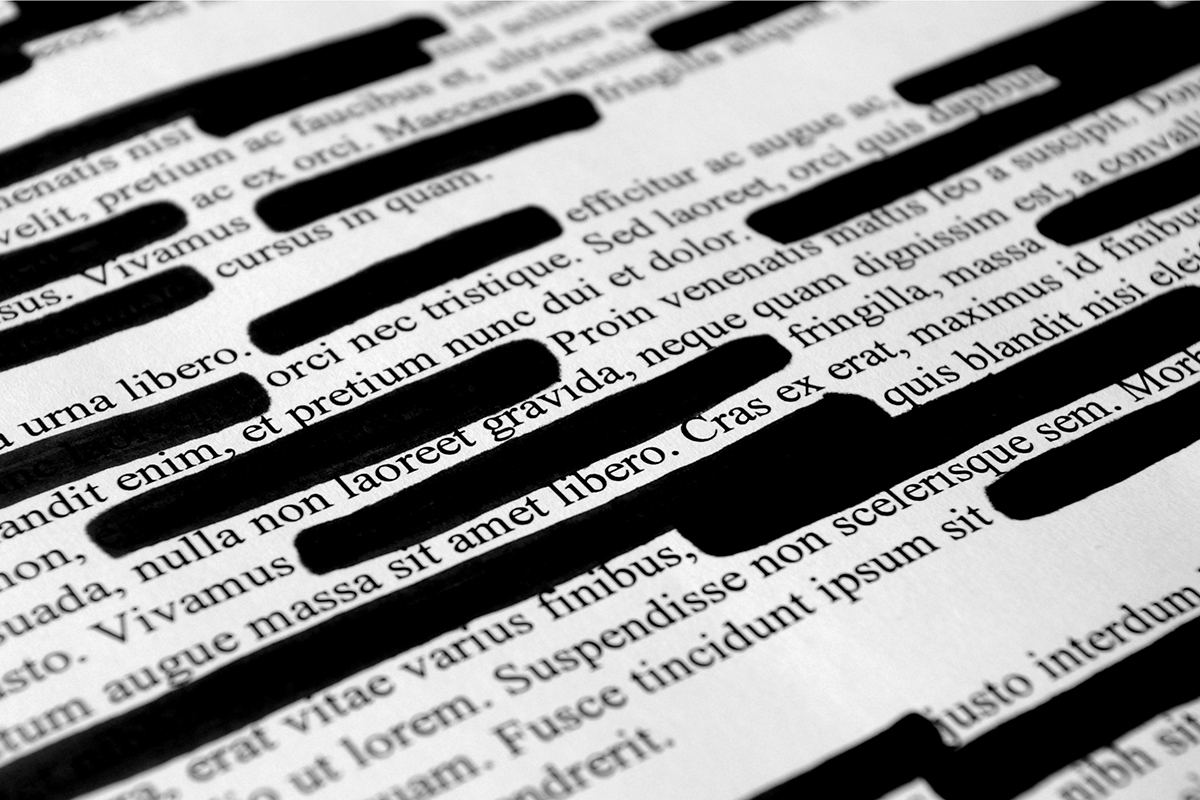
Learn how to black out text in a PDF properly — real redaction that removes the text for good, not black rectangles anyone can peel off. Free, in your browser.
Read the guide →News
LibreOffice 26.2.7 is the last update for the 26.2 line — support ends 30 November 2026. What's fixed, who should upgrade, and how to lock your documents as PDF.

News
Google Docs and Drive now open and edit Markdown files directly. Here's what changed, and how to turn a PDF into Markdown in your browser.

How-To
Turn PNG screenshots and photos into a PDF free in your browser — one image per page, in your order, no uploads, no signup.

Problems & Fixes
Word file looks fine on your PC but different on someone else's? Missing fonts and settings shift the layout. Convert it to PDF and it stays identical.

How-To
Add a watermark to a PDF free in your browser — DRAFT, CONFIDENTIAL or custom text, diagonal or horizontal, with adjustable opacity. No uploads, no signup.

News
LibreOffice 26.8.2 fixes around 35 bugs, including old DOC, PPT and XLS files that wouldn't open. What's fixed, who should upgrade, and the 26.2 deadline.
Problems & Fixes
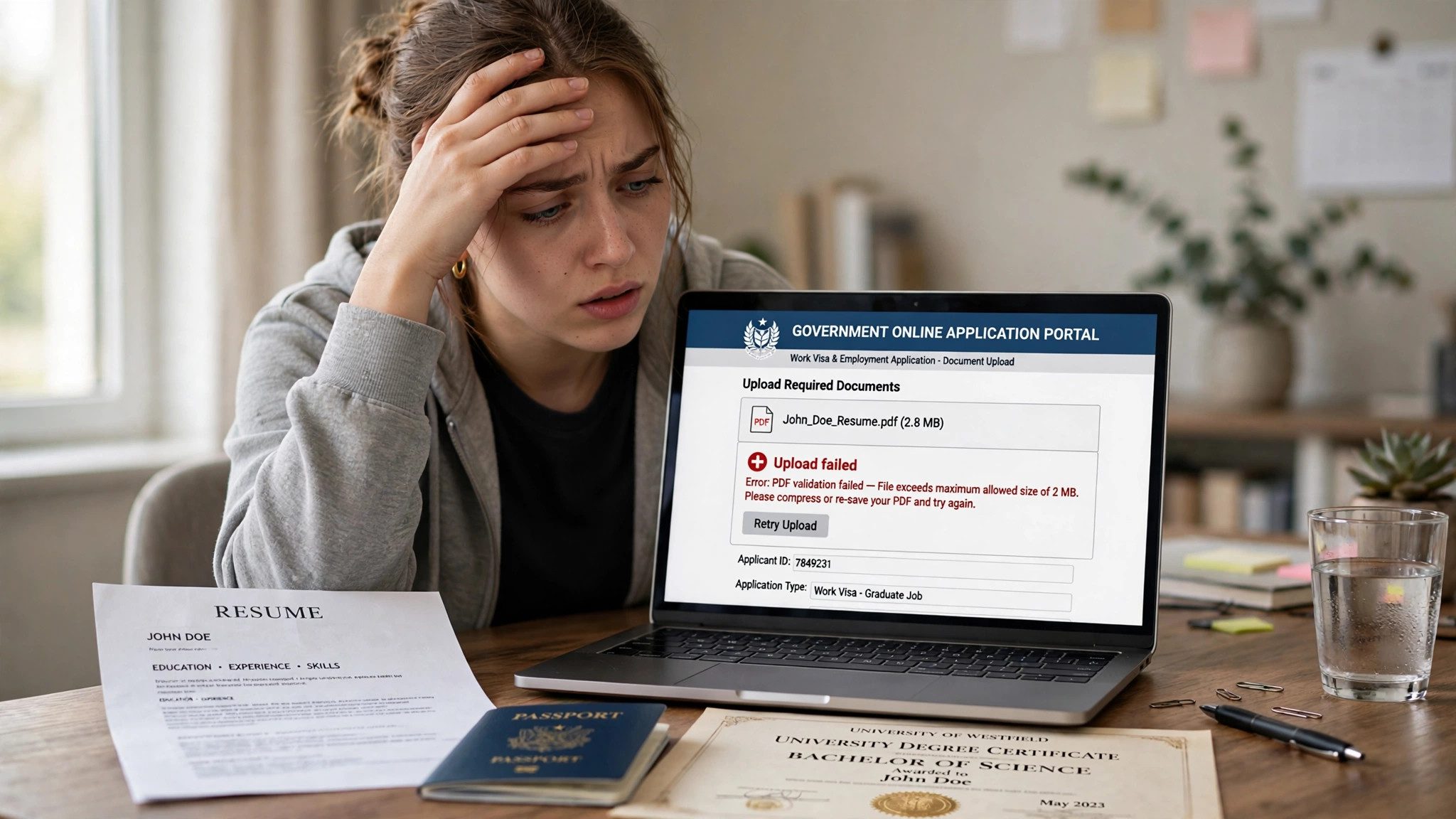
Visa, job or university portal rejected your PDF? Learn the five common reasons portals reject PDFs — file size, PDF/A, corrupt files and locked files — and how to fix each one fast.
How-To
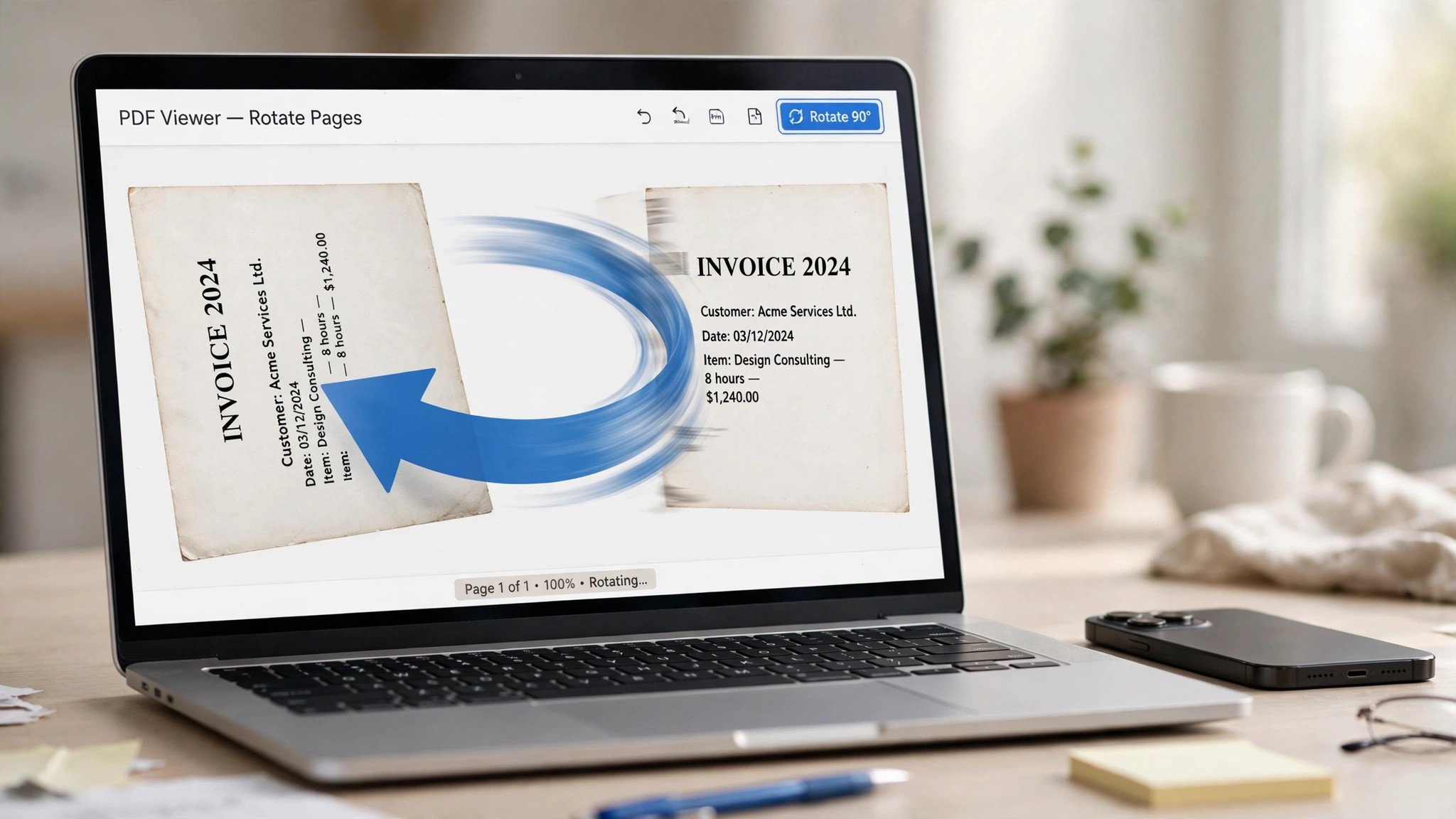
Sideways scan ruining your PDF? Learn how to rotate PDF pages free in your browser — one page, several pages or the whole file — and save the fix permanently, so it stays upright everywhere.

Privacy
Uploading a PDF to a stranger's server should be the exception, not the default. What really happens to your file, when uploading is fine, when it never is, and five red flags to check first.
How-To
Own a PDF but tired of typing its password — or blocked by print and copy restrictions? Learn how to remove a PDF password free in your browser, no uploads.

How-To
Learn how to edit PDF text for free in your browser — fix typos, change dates, add text and whiteout mistakes. No Acrobat, no uploads, no signup.

How-To
Need images from a PDF? Learn how to convert PDF to JPG free in your browser — every page as a sharp image, quality settings explained, no uploads or signup.
How-To
Turn photos into a PDF in seconds. Learn how to convert JPG to PDF free in your browser — multiple images into one file, no uploads, perfect for phone photos of documents and receipts.

How-To
Need to lock a PDF with a password? Learn how to password protect a PDF with AES-256 encryption — what the password actually does, how to pick a strong one, and why most free tools make you upload your file first.
How-To
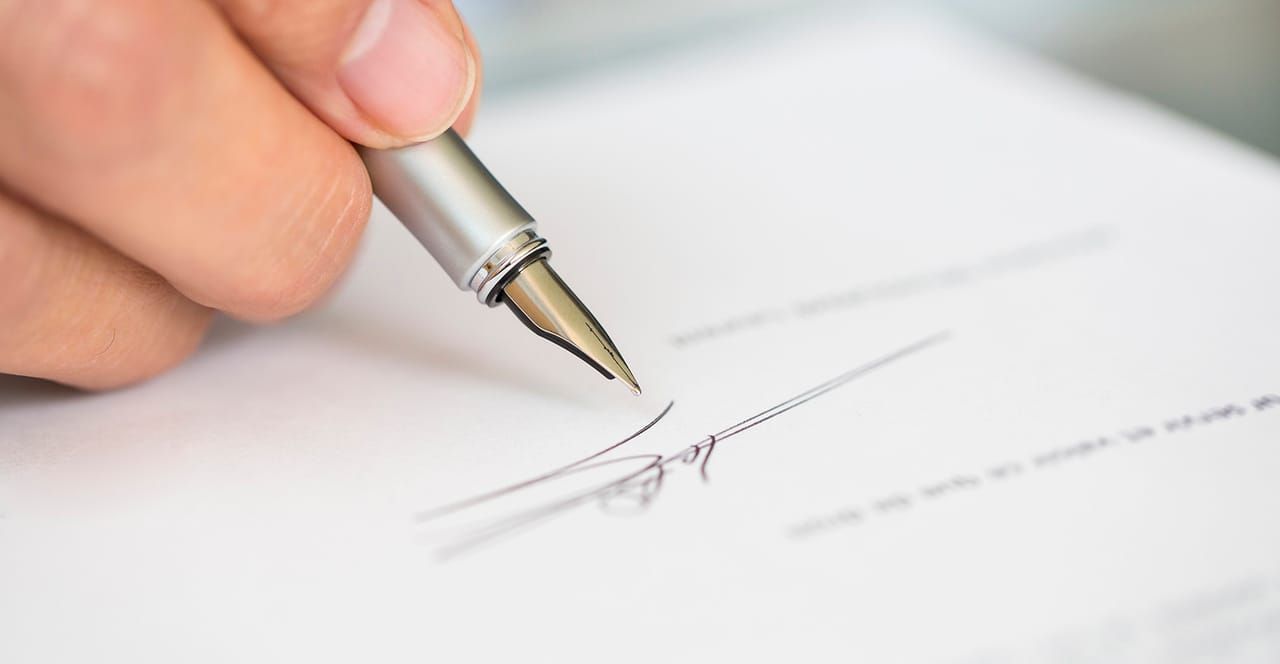
Need to sign a PDF? Learn how to sign a PDF online — draw, type or upload your signature, place it on the page, and download the signed file. No printing, no scanning.

How-To
Email rejected your PDF for being too big? Learn how to compress a PDF for email attachments — target sizes, quality settings, and what to do when it's still too large.
How-To
Combine PDFs into a single file for free. Learn how to merge PDF files online — reorder pages, merge scans, and avoid the common mistakes.
How-To
Need just a few pages from a big PDF? Learn how to split a PDF into separate files — extract page ranges or every page — free in your browser.
Explained
Confused by PDF/A? Learn the difference between PDF and PDF/A, when archives require PDF/A, and how to convert — explained simply.

How-To
Number the pages of any PDF in seconds. Learn how to add page numbers to a PDF — position, format and styling — free in your browser.